
To block a specific sender in your Office 365 email account
1 - Log in to your online mail portal
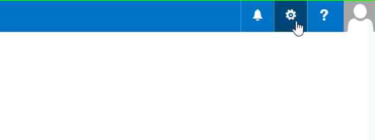
2 - Click the Gear icon for settings
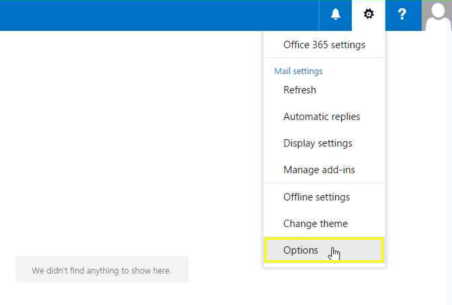
3 - Select 'Options
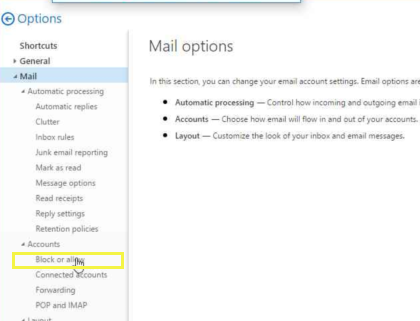
4 - Click on 'Block or Allow'
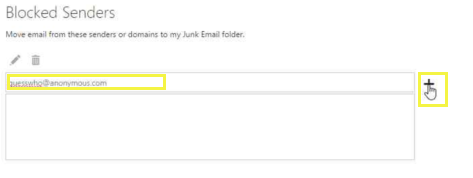
5 - Click into the 'Blocked Senders' section
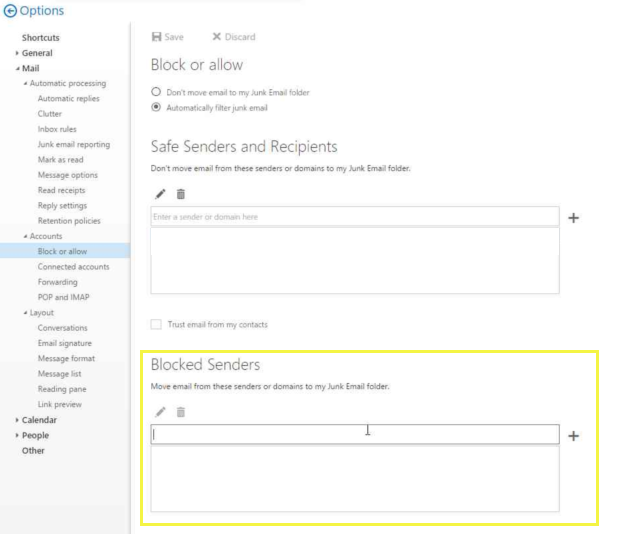
6 - Add the email address to block
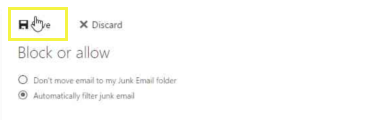
7 - REMEMBER to 'Save Settings'
Comments
0 comments
Please sign in to leave a comment.